Catalog Maintenance
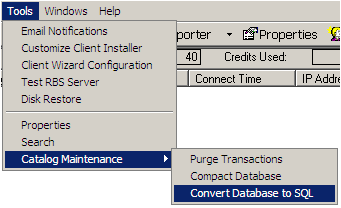 The Catalog Maintenance function on the Tools Menu is used to reduce the size of the Server's master catalog file, called rbs.mdb. It is a good idea to maintain the catalog monthly, or whenever the RBS Server starts to slow down in processing backup data in installations with more than 100 clients or more than 500,000 files backed up in a week.
The size of the rbs.mdb file is greatly affected by the setting of "Log Detail Transactions" in the Properties screen, and your selection of the Purge option when running certain reports. If "Log Detail Transactions" is turned ON, the rbs.mdb file will grow much quicker than if it is off.
Likewise, the rbs.mdb file grows larger if you do not select the Purge option when printing reports that contain that option.
First select the Purge Transactions option.
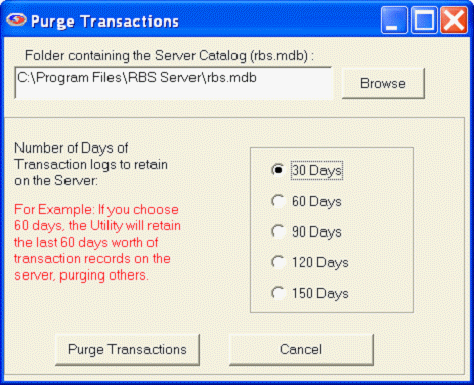
The rbs.mdb file should be selected. Select the number of days of transaction data to retain. Then select the Purge Transactions button.
Select the Compact Database option from the Catalog Maintenance menu.
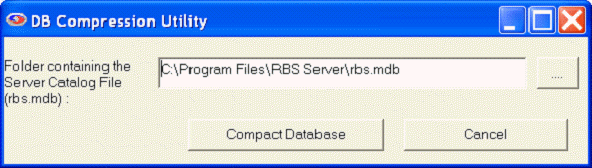
The rbs.mdb file should be selected. Select the Compact Database button.